Every plant manager knows the question that ends the vendor meeting. Not the price, not the accuracy claims, not the integration timeline. It comes near the door, almost as an afterthought, from the person who has said nothing all morning: "So where does the video actually go?"
It is the right question. And for a great many safety-AI products, the honest answer is uncomfortable. The video goes up. Off your site, across the public internet, into a data centre you will never visit, processed on servers you do not control, retained under a policy you did not write. Your workers, your processes, your worst moments, all streaming out of the building at the speed of your uplink.
There is another way to build these systems. It is the way we chose, and this is the case for it.
The cloud made sense for photographs. Video is different.
Cloud computing earned its reputation on data that is small, static and occasional. A document. A spreadsheet. A customer record. Sending those to a remote server and back is trivial, and the elasticity you get in return is worth it.
Safety monitoring is none of those things. It is continuous, high-bandwidth video from every camera on site, all day, every day. A single 1080p stream is roughly two to four megabits per second. Multiply that by forty cameras, or a hundred, and you are asking a site's internet connection to carry a burden it was never sized for, without pause, without a bad-weather day, forever.
So the cloud model creates a problem the moment you scale it. You either throttle the video, degrade the frame rate, and blind the very system meant to keep watch, or you pay to upgrade connectivity across every site in your estate. Neither is a safety strategy. Both are a tax.
Latency is not a technical footnote. It is the whole point.
Consider what a safety system is actually for. A reversing telehandler and a pedestrian on foot are three seconds from contact. A worker collapses on a gantry. Smoke begins to curl from a junction box. The value of a detection is measured in the fraction of a second between the event and the alarm.
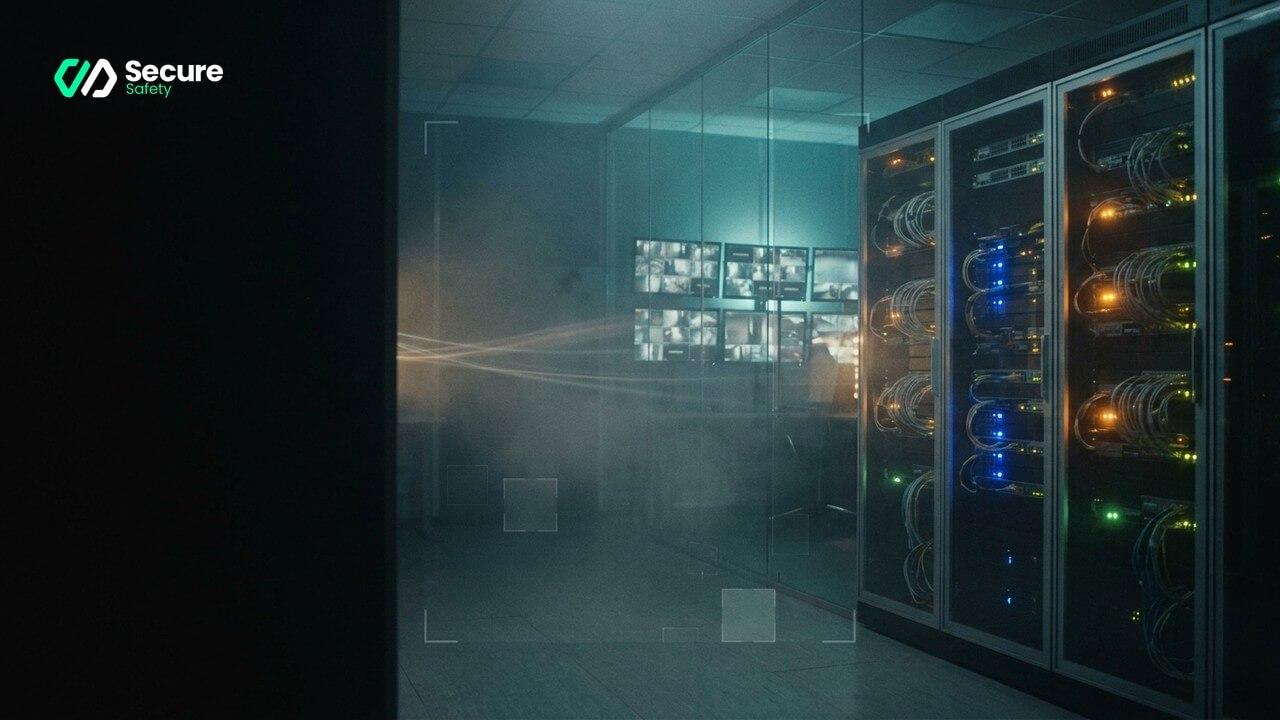
Send that video to the cloud and back, and you have inserted a round trip into the most time-critical moment on your site. Even when the network behaves, you have added delay. When the network stutters, and networks stutter, the alert arrives after it could have mattered. On-premise computer vision removes the round trip entirely. The footage is analysed on a compute unit in the building, feet from the camera, and the alarm sounds while there is still time to act.
Edge AI on your CCTV is not a preference for architectural neatness. It is the difference between a warning and a report.
Where the footage lives is where the risk lives
Set the performance argument aside and the privacy argument stands on its own. Video of your workforce is among the most sensitive data your organisation holds. It shows faces, movements, habits, the moment someone did something they should not have. Every mile that footage travels, and every server it rests on, is another point of exposure, another entry in a breach notification you hope never to write.
Under GDPR and the UK's data protection regime, that footage is personal data, and you are accountable for it wherever it goes. A cloud vendor's assurances do not transfer the liability off your desk. Works councils and unions ask harder questions each year about where their members' images end up. "It never leaves the site" is not merely the cleanest answer to give a regulator. It is the cleanest answer to give the people on the shop floor, whose trust you actually need for any monitoring programme to survive its first month.
With on-premise safety AI, the footage is analysed and stays put. There is no external stream to intercept, no third-party retention policy to audit, no cross-border transfer to justify. The blast radius of a breach shrinks to the perimeter fence.
Forged where the network is worst
We did not arrive at this architecture from a whiteboard. We arrived at it from the drill floor.
Our detection was built and hardened in offshore oil and gas, on rigs where the nearest data centre is a satellite hop away and the consequences of a missed hazard are measured in lives. Heavy moving equipment, zero tolerance for error, and a connection you cannot depend on. A system that needed the cloud to think would have been useless there. So it does not. That same detection now runs in a national oil major's operations, a major international port and an international airport, holding a sub-0.05% error rate and delivering field-measured reductions of around 90% in unsafe behaviour. It earned its reliability in the place with the least reliable connection on earth, which is precisely why it holds up in an ordinary warehouse or loading yard where the network is merely imperfect.
What you actually give up with the cloud
It is worth naming the trade honestly, because cloud vendors rarely do.
- Continuity. An on-premise system keeps watching when the internet drops. A cloud system goes blind at the exact moment an outage may have caused the incident.
- Cost control. Cloud pricing scales with bandwidth and storage, month after month, forever. On-site compute is a known quantity you own.
- Sovereignty. Your footage stays inside your walls, under your policy, subject to your deletion schedule, not a vendor's.
- Trust. You can tell your workforce, truthfully and without asterisks, that no one outside the building is watching.
None of this requires new cameras. The compute layer sits behind the CCTV you already have, reads the existing streams, and adds the intelligence on site. The hardware on your walls does not change. What changes is that it finally starts paying attention.
The quiet answer
So when the quiet person by the door asks where the video goes, there is a version of this technology for which the answer is short, complete and reassuring. Nowhere. It stays here, on your site, watched by a machine that never blinks and never phones home.
That is not a compromise you accept to get the safety benefits. It is part of the benefit.
On-premise deployment in practice: what to expect
Hardware requirements
On-premise safety AI requires an edge compute device installed at your site. For a typical industrial deployment covering 8–16 cameras, this is a single rack-unit or industrial-grade compute node — significantly smaller and more power-efficient than the server infrastructure a cloud connection would require you to support at scale. Sites with larger camera estates run multiple nodes, managed from a single interface. The hardware is sized during the Discovery phase based on camera count, resolution and the detection density you need.
Network architecture
Because the processing happens on-site, the only data leaving your network is metadata: alert notifications, compliance logs and management communications. The video streams themselves stay on the local network, travelling from camera to compute node to control room display without leaving the perimeter. For sites with existing VMS infrastructure, the AI layer connects to the same network segment as the VMS, with no changes to the existing camera configuration.
Resilience and availability
On-premise processing inherits none of the cloud availability risks. An internet outage that would blind a cloud-based system has no effect on detection, alerting or recording. The edge device is specified for industrial environments — fanless designs for dusty facilities, ruggedised enclosures for outdoor deployment and uninterruptible power supply integration for critical operations. System health monitoring is handled locally, with remote diagnostics available to the support team without requiring any live video transmission.
Implementation checklist for on-premise deployment
- Bandwidth audit: verify that your site network can carry the camera streams to the edge node without congestion — this is generally not a problem on a local network but should be confirmed for older site infrastructure
- Physical placement: identify a secure, climate-controlled location for the edge compute node — typically in the server room, control room, or a locked cabinet adjacent to the VMS
- Camera inventory: compile a full list of existing IP cameras, their protocols (ONVIF, RTSP, RTMP, manufacturer SDK) and their network addresses — this feeds directly into the Discovery phase
- Power supply: confirm UPS coverage for the edge node and confirm that the power supply matches the node specification
- Access control: define who has physical access to the edge device and who has administrative access to the software interface
- Retention policy: set the local clip retention duration — on-premise deployment means you control the retention schedule rather than being subject to a cloud vendor's policy
- Remote support access: configure the secure management tunnel that allows support access to the management interface without touching the video streams
Common challenges and solutions
Challenge: "We don't have the IT resource to manage on-site hardware"
The most common concern about on-premise deployment is the internal IT burden. In practice, the edge node requires less ongoing management than most IT teams expect: it runs a dedicated operating system, updates over the management channel and is monitored remotely by support staff. The Discovery phase scopes exactly what IT involvement is required, and most deployments need only the initial network configuration and periodic health checks.
Challenge: Sites with unreliable or minimal IT infrastructure
Some industrial sites — particularly older offshore facilities, remote warehouses and legacy port installations — have IT infrastructure that would not support a complex on-premise deployment without upgrading. The response is hardware specification: edge compute nodes are selected to be appropriate to the site's infrastructure, whether that means a ruggedised industrial PC, a standalone compute appliance or a fanless embedded system that requires minimal infrastructure support. The Discovery phase identifies the right hardware for the specific site.
Challenge: Data governance questions from legal and compliance teams
Legal and data protection teams are accustomed to asking where data goes when they approve a technology deployment. On-premise video processing makes this question easy to answer, but the question of data governance does not end with "it stays on site." You still need a written data protection impact assessment, a retention and deletion policy and clear documentation of who can access footage and under what circumstances. A standard DPIA framework is provided as part of the Discovery phase, which is typically the most efficient route to compliance sign-off.
See what your cameras have been missing — book a demo.