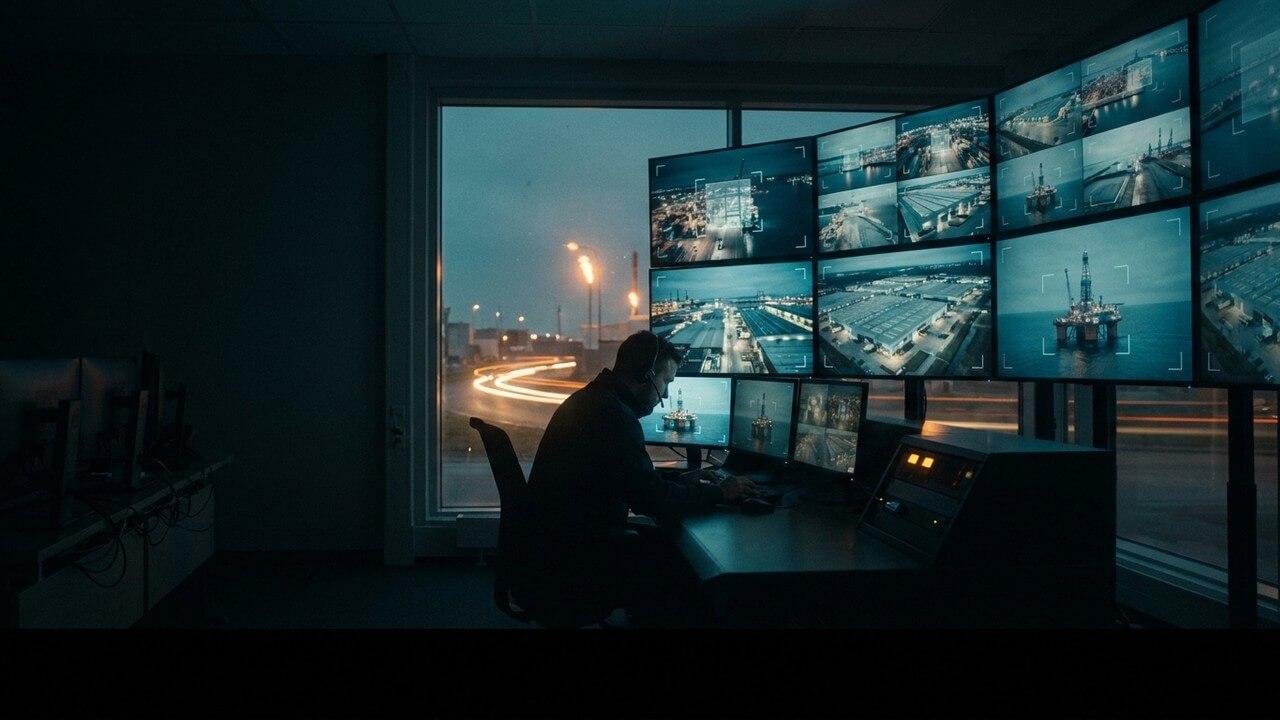
Every security manager knows the sinking feeling that arrives with the word "platform." A vendor has demonstrated something genuinely useful — an AI layer that spots a forklift bearing down on a pedestrian before anyone else does — and then, somewhere near the end, the slide appears. New cameras. A new recorder. A new management console for the guards to learn. A parallel system running alongside the one you spent three years and a considerable budget standardising on.
That is the moment most good safety technology dies. Not because it does not work, but because the cost of adopting it has quietly become the cost of replacing everything you already own.
It does not have to be that way. The right question to ask any safety-AI vendor is not "how good is your detection?" It is "what do you need me to tear out first?" The correct answer is: nothing.
Your VMS is not the problem — it is the platform
Most industrial sites have already made their video decision. You are running Milestone XProtect, or Genetec Security Center, or Avigilon, or Bosch, or one of a dozen capable video management systems that record your cameras, manage retention, handle user permissions and give your control room a single pane of glass. That investment represents years of configuration and a workforce that knows how to use it.
Safety AI should treat that system as the foundation, not the competition. A well-designed detection layer does not want to be your VMS. It wants to sit quietly beside it, read the same camera streams, apply computer vision, and hand the results back into the environment your team already lives in.
The mechanism for this is older and more boring than the AI itself, which is exactly why it works. Nearly every VMS and virtually every IP camera made in the last decade speaks RTSP — the Real Time Streaming Protocol. It is the plumbing of the surveillance world. If a camera feed can be pulled as an RTSP stream, or requested through your VMS's own software development kit, an AI engine can analyse it. No coax to re-run, no lenses to remount, no ladders.
Two clean ways in
In practice, integration takes one of two shapes, and both leave your existing system intact.
Reading the streams
The AI engine subscribes to the camera feeds — either directly via RTSP or through the VMS's SDK and API — and analyses them in parallel with recording. Your VMS carries on doing what it has always done. The detection runs alongside it, on-site, adding a layer of understanding to video that was previously just being stored. Nothing about the recording path changes, which means nothing about your evidential chain, your retention policy or your compliance posture changes either.
Pushing the alerts back
Detection is only half the value; the other half is getting the alert to the right person without inventing a new place for them to look. A mature integration returns events to the systems your team already watches. That can mean overlaying bounding boxes and alarms onto the live view inside Milestone or Genetec, raising an event in the VMS's own alarm manager, or firing a webhook, an email or a message into the tools your operators already have open. The AI becomes a new source of intelligence inside a familiar console — not a fourth monitor nobody remembers to check.
The offshore test
We did not learn this preference for other people's infrastructure in a boardroom. The detection was forged offshore, on the drill floors of oil and gas — heavy moving equipment, zero tolerance for error, lives measured against every second. On a rig you do not get to install a greenfield camera network to suit the software. You inherit what is bolted to the derrick and you make it work. That discipline — analyse the feeds that already exist, in the environment that already runs — carried through to a national oil major's operations, a major international port and an international airport, at a sub-0.05% error rate and field-measured reductions of around 90% in unsafe behaviour. If a detection layer can integrate into a rig without disrupting operations, integrating into your control room is a comparatively gentle affair.
What good integration should never ask of you
A few things are worth insisting on when you evaluate any safety-AI product for VMS integration.
It should not require new cameras. If your existing CCTV has a usable view of the hazard, that is enough. Resolution and placement matter far more than brand.
It should not route your footage off-site. Integration and privacy are not a trade-off. The analysis should run on-premise, on hardware in your building, so video never leaves the site to reach the AI. Your VMS keeps custody of the recordings; the AI simply reads and returns.
It should not fork your operators' attention. If adoption depends on staff monitoring a separate portal all day, adoption will fail. The alerts belong where they already look.
And it should not lock you in. Open protocols — RTSP, standard SDKs, webhooks — mean the layer can be added and, in principle, removed without collateral damage. Confidence to leave is what earns the right to stay.
Weeks, not quarters
Because the heavy infrastructure already exists, a VMS-integrated deployment is measured in the time it takes to point the engine at your streams, tune the detection zones to your site and confirm the alerts land where you want them. There is no civil works, no cabling programme, no procurement cycle for hardware you do not need. The cameras you have been paying to record all along simply start to understand what they are seeing.
That is the whole idea. Not a new system to justify, but more value from the one you already trust.
VMS integration in practice: what a smooth deployment looks like
The three integration models
AI safety monitoring can integrate with an existing Video Management System in three ways, each with different operational implications:
Parallel operation: the AI layer and the existing VMS run independently, both consuming the camera streams via ONVIF or RTSP. The VMS continues to provide recording, playback and access management; the AI layer adds detection and alerting. This model is the simplest to deploy and does not risk disrupting the existing VMS installation, but it requires the control room to monitor two systems.
VMS plugin integration: many major VMS platforms (Milestone XProtect, Genetec Security Center, Axis Camera Station) support third-party analytics plugins that deliver AI alerts natively within the VMS interface. This model provides a unified control room experience but requires a specific plugin for the VMS platform in use and may have limitations on the alerts and metadata that can be presented within the VMS interface.
VMS replacement: for sites where the existing VMS is end-of-life or inadequate, the AI deployment can be combined with a VMS migration. This is the highest-complexity option but delivers the most integrated solution. It is typically only appropriate where the VMS replacement was already planned.
Alert metadata and clip integration
The most operationally valuable VMS integration delivers alert metadata — the event type, zone, timestamp, and confidence score — and a short clip of the detection event, directly into the VMS alarm list. This allows control room operators to review a detection event without switching to a separate interface, and enables alert clips to be associated with camera records for investigation purposes. The specific metadata and clip format supported depends on the VMS platform and the integration model in use.
Network architecture for VMS integration
An AI layer running on the same network as the VMS requires careful bandwidth planning. Camera streams are high-bandwidth, and adding a parallel consumer (the AI edge node) to streams that are already consumed by the VMS requires either that the streams be duplicated on the network or that the AI node receives streams directly from the cameras rather than from the VMS. The Discovery phase network review addresses this specifically, including the recommendation for network segmentation if bandwidth contention is a risk.
Implementation checklist for VMS integration
- VMS platform identification: confirm the specific VMS platform, version, and licence type — plugin availability and API capabilities vary significantly between VMS platforms and versions
- Camera stream access confirmation: confirm that the AI node can receive camera streams directly from the cameras rather than through the VMS — this is the most reliable approach and avoids bandwidth competition
- Alert routing through VMS vs. direct: decide whether alerts should be routed through the VMS alarm list or directly to control room displays and mobile devices — for sites with a VMS-centric control room workflow, VMS routing is preferred; for sites with a separate security and safety function, direct routing may be simpler
- Recording and evidence preservation: confirm how AI detection clips are retained for investigation purposes — whether they are stored in the VMS recording archive, in the AI system's local storage, or both
See what your cameras have been missing — book a demo.